FANUC VMC CNC Macro & Add-On Library
Download professionally prepared, signed .MCM add-ons for the FANUC VMC Advanced Control Suite. Expand your software with reusable CNC macros, machining packages, examples and training content — each package can be installed independently as your library grows.
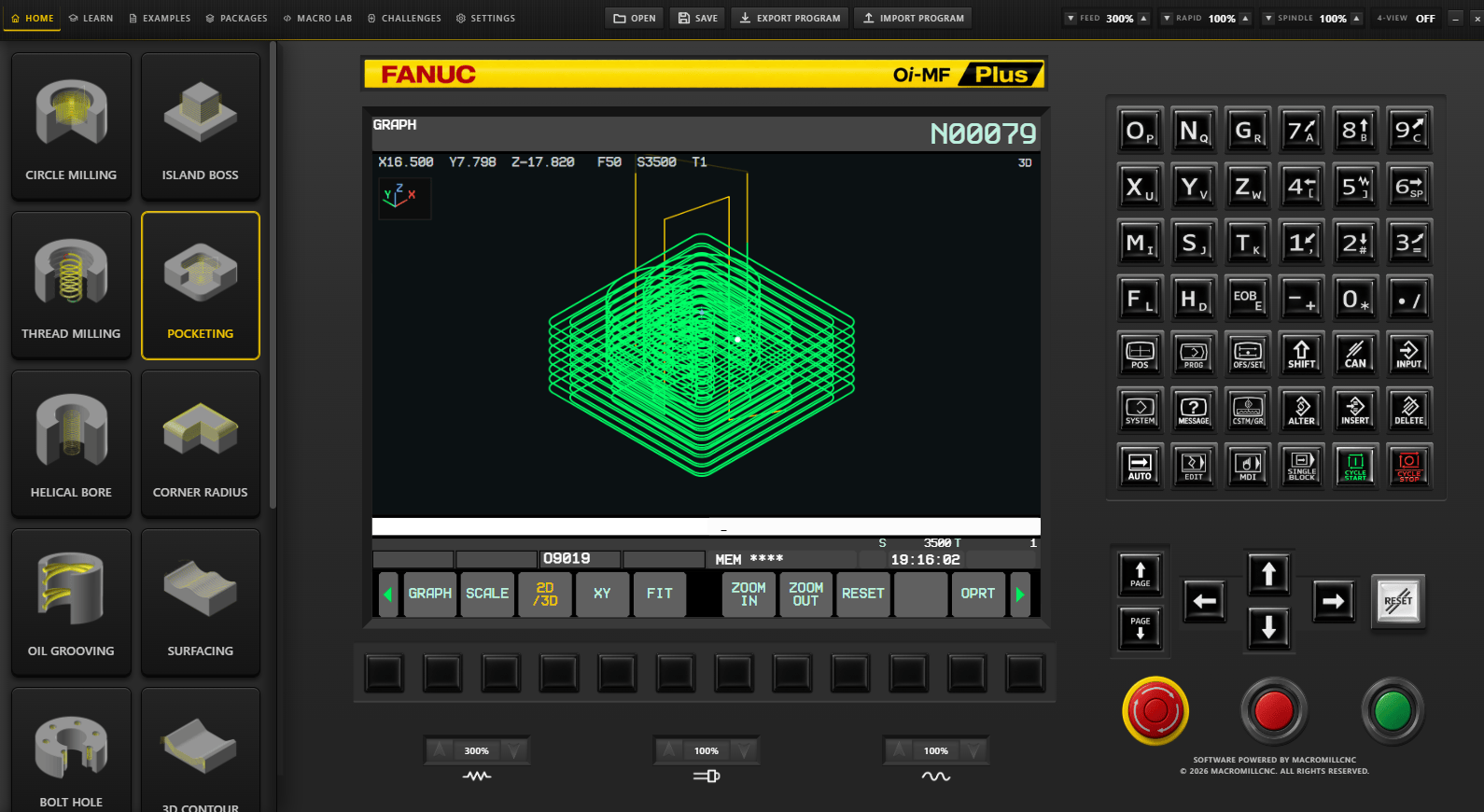
Download an individual ZIP, extract the signed .MCM file, then import it from the software’s Add-On / Package area. A valid FANUC VMC Advanced Control Suite installation is required.
Available CNC add-ons & macro packages
Browse the complete Tech Exchange library below. Download only the packages you need, then import the signed .MCM add-on directly into your MacroMill CNC software.
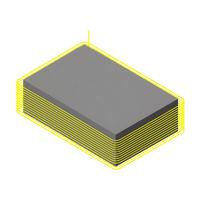
2D Contour
Reusable contour-programming content with macro and conventional CNC programs.
Download ↓
2D Sweep
Swept machining content for reusable 2D milling and programming practice.
Download ↓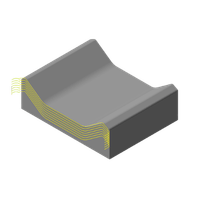
3D Contour
3D contour machining content supplied as an individual signed add-on package.
Download ↓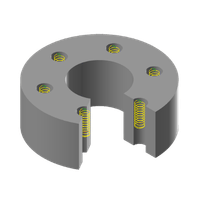
Bolt Hole Circle
Parametric bolt-hole-circle programming for repeatable drilling layouts.
Download ↓
BHC Spiral Pocket Milling
Parametric bolt-hole-circle pocket milling with editable Macro B variables, true G3 spiral interpolation and a 330 mm PCD default.
Download ↓
Circle Milling
Circle-milling macro logic with matching conventional CNC program content.
Download ↓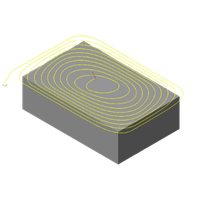
Dynamic Milling
Dynamic milling programming content with macro, conventional and additional NC data.
Download ↓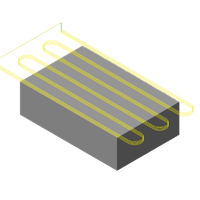
Facing
Facing routine for structured surface machining and reusable programming workflows.
Download ↓
Helical Bore
Helical interpolation content for bore milling and circular machining applications.
Download ↓
Island Boss
Island and boss milling content with macro and conventional CNC programs.
Download ↓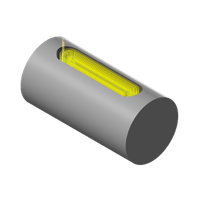
Keyway
Keyway milling content prepared for import into the FANUC VMC package library.
Upload ZIP to Enable —
Oil Groove
Oil-groove machining content with reusable macro and conventional CNC programs.
Download ↓
Pocketing
Pocket-milling content for reusable programming and machining workflows.
Download ↓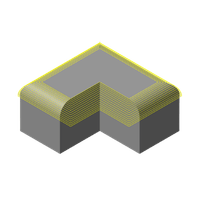
Radius Corner
Corner-radius milling content with ready-to-import macro and CNC programs.
Download ↓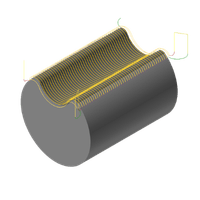
Raster
Raster machining content for repeatable parallel toolpath programming.
Download ↓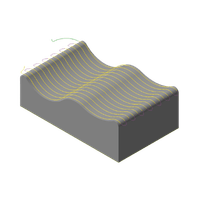
Surfacing
Surface-machining content for broad area milling and reusable CNC programming.
Download ↓
Thread Milling
Thread-milling programming content with macro and conventional CNC programs.
Download ↓
Taper Milling
Parametric taper-milling cycle with editable top radius, bottom radius, depth, levels, feed and spindle speed.
Download ↓
Radiused Cavity Milling
Parametric cavity-milling package with editable cavity size, corner radius, depth, bottom fillet radius, feed and spindle speed.
Download ↓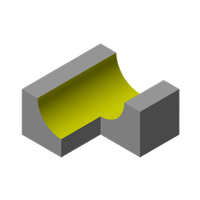
Half Radius XZ
Parametric half-radius XZ machining package with editable dimensions and reusable Macro B CNC program content.
Download ↓Installing an add-on
New machining packages can be added individually. The same library can also hold future Examples and Learning Modules without rebuilding the page structure.